 14:22
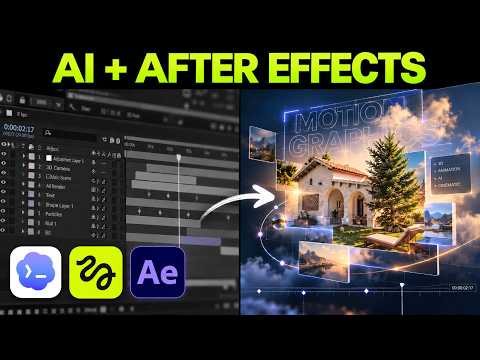
Editable AI motion graphics with Higgsfield and After Effects
Ask for native layers and keyframes, then verify that the project can actually be changed.
19 ways into the workflow. Pick a video to see what was tried, what to check and where to begin.
14:22Ask for native layers and keyframes, then verify that the project can actually be changed.
 0:30
The workflow, reusable prompts and soundtrack-restoration steps behind my pink flamingo Short.
 20:33
Build a concept preview around the real site, then inspect the generated media and working pages.
 24:09
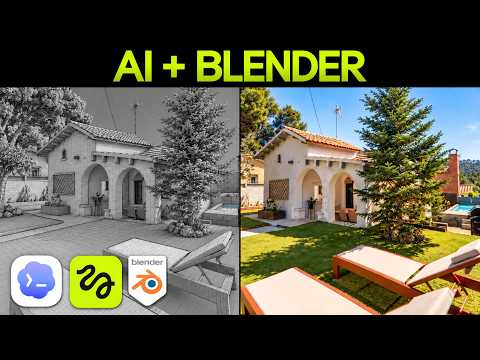
Use a rough 3D model to plan movement, then compare guided generations against photo-only results.
 17:01
Control the inputs, record handoffs and judge the finished motion rather than declaring a universal model winner.
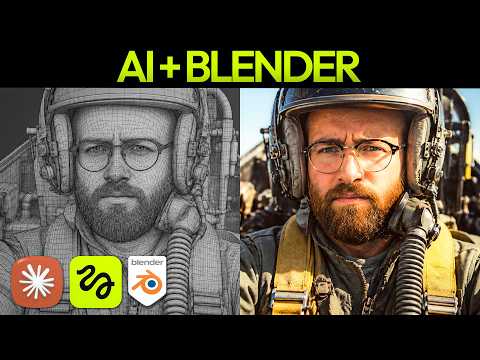 14:10
Create a simple motion reference, inspect the blocking and compare the same brief with and without that guide.
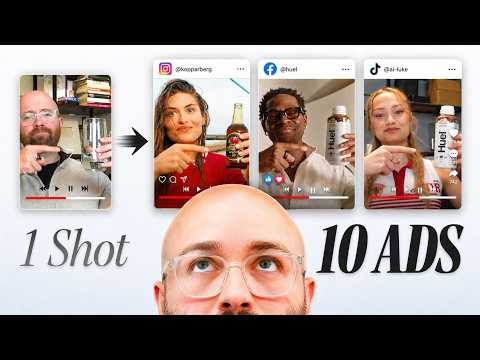 10:12
Choose Motion Transfer or Object Swap, then check that the original movement survives the transformation.
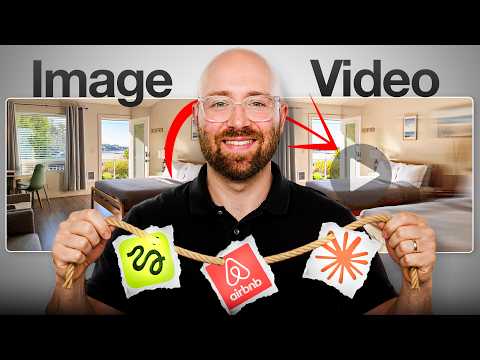 10:55
Audit the images, specify camera moves and use deliberate cuts instead of fragile room-to-room transitions.
 13:38
Give the agent a specific site brief and use browser feedback to check the generated media and working interface.
 12:56
Generate a video asset, implement a scroll effect and investigate jitter before accepting the site.
 9:21
Generate a reference image, explore the scene and review camera, character and speed choices across the finished sequence.
 8:49
Read the Seedance 2.0 preview as early coverage, then separate feature reports from tests you can actually run.
 6:02
Plan a structured sequence from supported references, then inspect shot continuity, character details and audio.
 6:52
Read the pre-release expectations separately from the existing Kling demo and the comparison with Veo 3.1.
 9:32
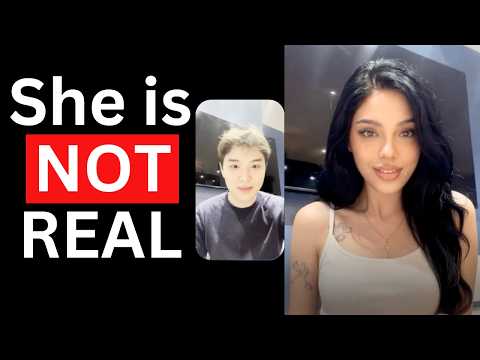
Create or modify an AI character, inspect its video and assess Higgsfield Earn separately from the generation result.
 10:47
Compare the Viral Chaos ad example, character swaps and stylised Nano/Sims versions through the actual returned clips.
 10:06
Inspect photos, thumbnail edits, location-based scenes and infographics separately, then check any image-to-video result.
 13:30
Compare complete clips for visual detail, audio timing and prompt adherence, preserving glitches beside the strongest results.
 4:24
Use the October example to explore the generator and presets, then inspect the actual clip and the current access conditions.