Airbnb photos to Blender camera guides and five AI shots
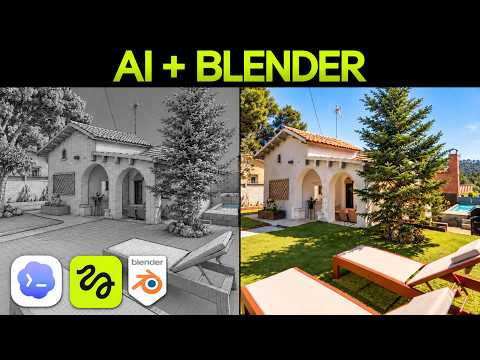
Use a rough 3D model to plan movement, then compare guided generations against photo-only results.

 Watch the original video ↗
Build a model you can check
Thanks to Higgsfield for sponsoring this video.
The demonstration starts from listing photos and uses Astra to help build an editable low-poly property in Blender. Photos do not establish unseen room dimensions.
- Collect the listing images and identify which views connect.
- Set up Blender and the Higgsfield connection shown at 2:47.
- Inspect the model reveal against the photos, recording uncertain geometry instead of treating guesses as measurements.
Render and repair the camera guide
The guide is a planning aid for the generated footage. Inspect its movement before spending generation credits.
- Describe the camera route and preview it inside Blender.
- Fix clipping, awkward turns and mismatches with the listing.
- Render a short camera reference and use it with the actual property photos in the Higgsfield generation.
Compare and simplify the shots
The video tests Blender guidance against photos alone, revises prompts and ultimately uses five short shots instead of one uninterrupted flythrough.
- Compare camera accuracy, realism and property consistency across the two routes.
- Change the prompt where it improves a specific weakness, then inspect the new generation.
- Split a fragile long route into separate shots and assemble only the usable results.
The takeaway
The useful result is five checked shots. The workflow does not establish an accurate surveyed model or a flawless continuous tour.
About this article and its sources
Written follow-along guide prepared 31 October 2026 from this exact published video’s description and chapter sequence. The checklists are editorial adaptations, not verbatim transcript quotations. Demonstrated results are attributed to the video; the full final video was not independently transcribed or watched for this article, and the product was not retested. For installation commands, later interface changes and current offers, use the original resources linked here.