Better ideas.
More useful AI.
This week: editable designs, better coding plans and practical workflows you can follow.
There’s a common thread in this week’s collection: the first output is only part of the job. The useful bit is being able to edit it, connect it to real work and check what actually happened.
Here are three developments worth knowing, a few tools to explore and the latest videos.
01 / News worth knowing
Canva launches its own image model
Canva introduced Craft, an image-generation model available in Canva and through its public API. Canva says it supports up to 2K output and works with Magic Layers for editable designs.
Why it matters: For creators, the useful question is how easily a generated image becomes a design you can actually revise.
These are Canva’s announced capabilities. MCP support is marked coming soon in its announcement.
Read the announcement ↗Google open-sources a planning workflow for AI coding
The Elephant-Goldfish Model plugin separates detailed planning from fresh-agent review. A context-rich session drafts the specification; isolated sessions challenge it before implementation.
Why it matters: Worth watching if your coding agent keeps building the wrong thing quickly: it gives specification and review their own stages.
An open-source experiment, not an officially supported Google product. Not tested here.
Read the announcement ↗Gemini’s personal context starts reaching Android Auto
Google began rolling out opt-in Personal Intelligence in Android Auto, connecting information from selected Google apps. Cars with Google built-in are due to follow in coming months.
Why it matters: It can connect an appointment or travel question to personal context, rather than making you repeat every detail.
Availability: Google’s announced rollout excludes the UK, EEA, Switzerland and Nigeria.
Read the announcement ↗02 / Tools from this week’s videos
Softr
A client portal with real records, login rules and request handling.
See the workflow →ImagineArt
A product image, a consistent visual style and a short campaign clip.
See the workflow →Venngage
Turn one written post into five editable infographics.
See the workflow →These videos included sponsorships. Thanks to Softr, ImagineArt and Venngage for sponsoring the original videos. This sample brings together the original coverage; these are not separate newsletter sponsorships.
03 / My videos this week
Published 17–23 October · AI Luke
 How I Use Google AI to Do My Work (4 Practical Examples)
 How to Make an AI Product Ad From One Prompt
 5 AI Concepts That Changed How I Run My Business
 I Turned 1 Post Into 5 Infographics With Venngage AI
 I Turned One Product Photo into 3 AI Ads (ImagineArt)
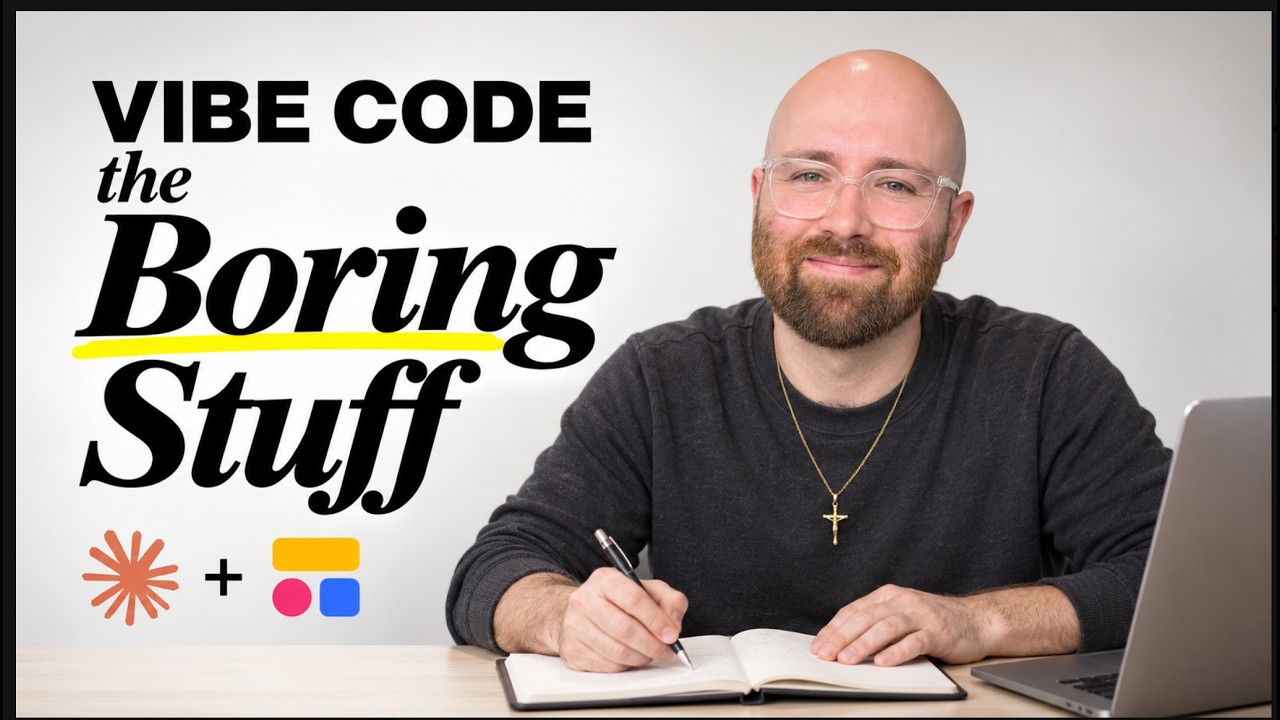 How to Actually Vibe Code an App for Your Business