 5:03
AnduinOS 2.0.5: AI setup, local voice typing and a live-USB trial
Follow the documented setup routes, find the Why AI install command, and assess the desktop from a USB before deciding whether to install it.
The tools from my videos, the workflows behind them, and the details that help you get started.
Explore the tools → FEATURED GUIDE5:03
Follow the documented setup routes, find the Why AI install command, and assess the desktop from a USB before deciding whether to install it.
 5:48
A practical companion to the video: find the desktop controls, understand Rashin and choose a sensible way to try Ryoku.
 14:53
Set up a client roleplay, ask for coaching, retry, and create an avatar-led survey.
 11:32
Build a client portal with real records, login and permissions, then test separate client views and a request workflow.
 12:16
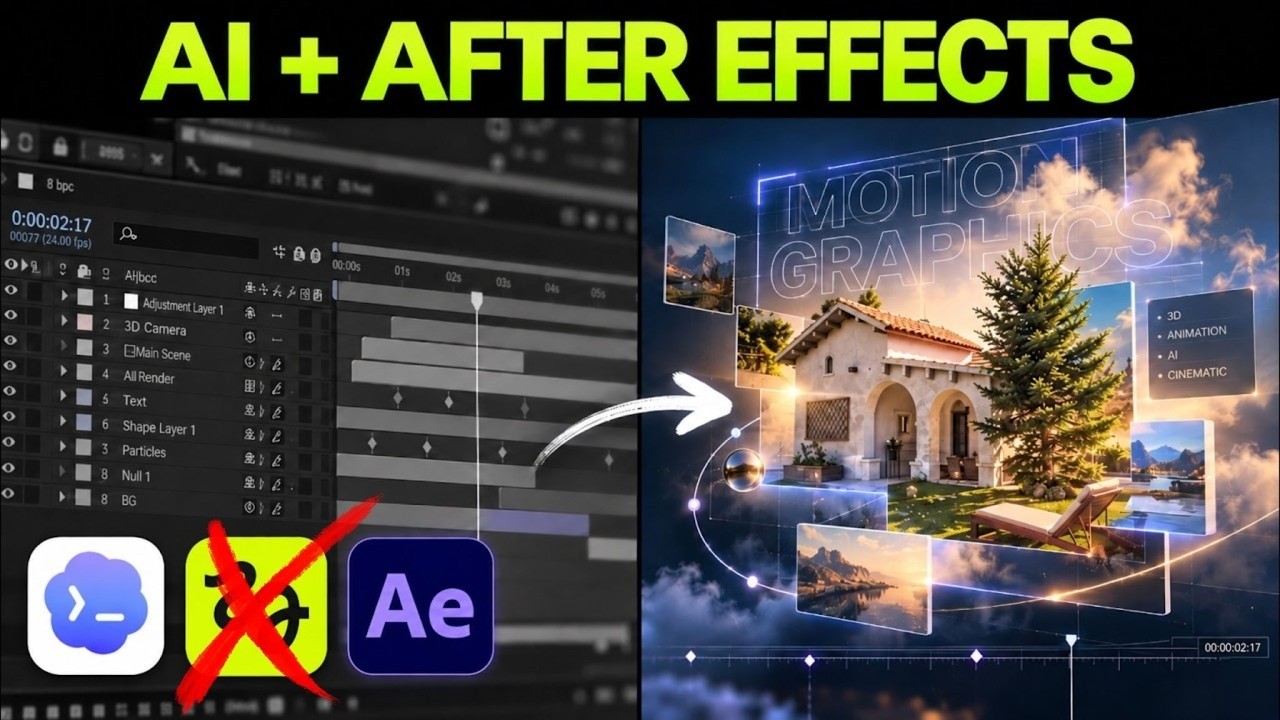
Recreate and revise editable motion graphics, then build a Scripti launch sequence using layers and keyframes.
 10:01
Connect Perceptis to Claude, build a five-slide deck, refine one slide and inspect editable text, shapes and chart data in Keynote.