 0:46
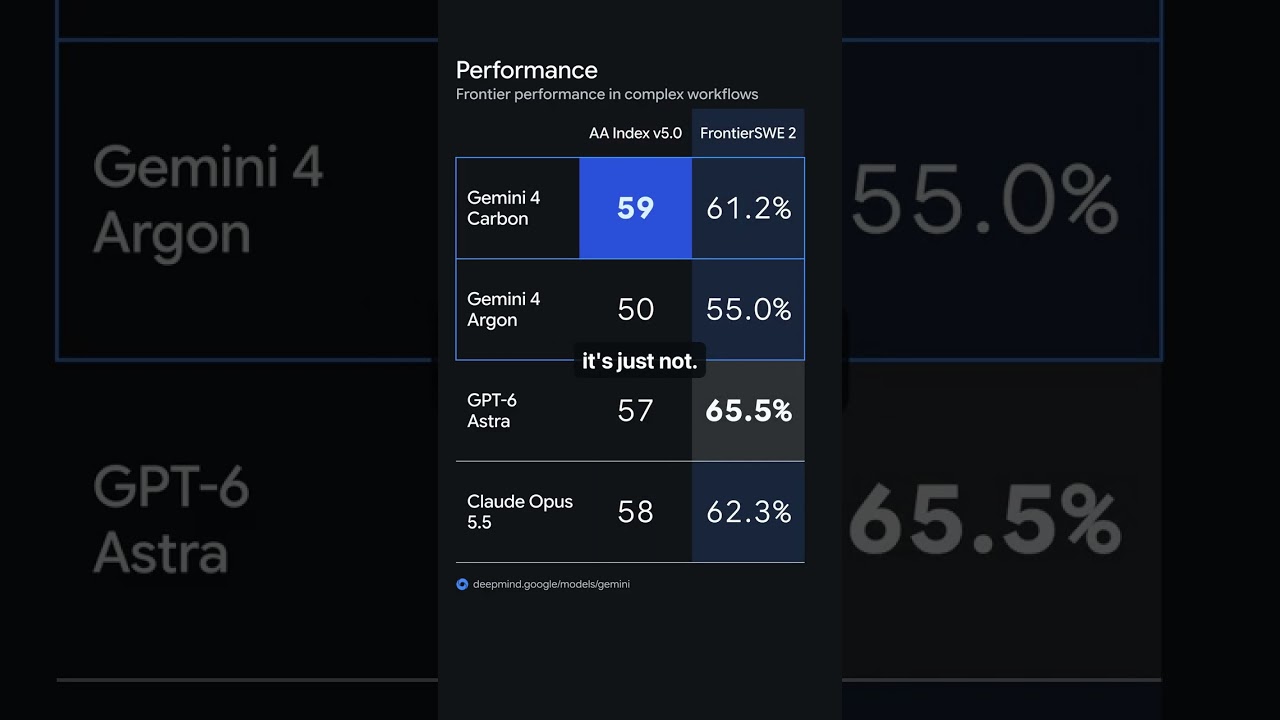
Gemini 4 Carbon Is Official — But There’s a Catch
A source-attributed explanation of Google’s announcement, with attention to access and verifiable work.
24 ways into the workflow. Pick a video to see what was tried, what to check and where to begin.
0:46A source-attributed explanation of Google’s announcement, with attention to access and verifiable work.
 3:28
A source-attributed explanation of Google’s announcement, with attention to access and verifiable work.
 12:25
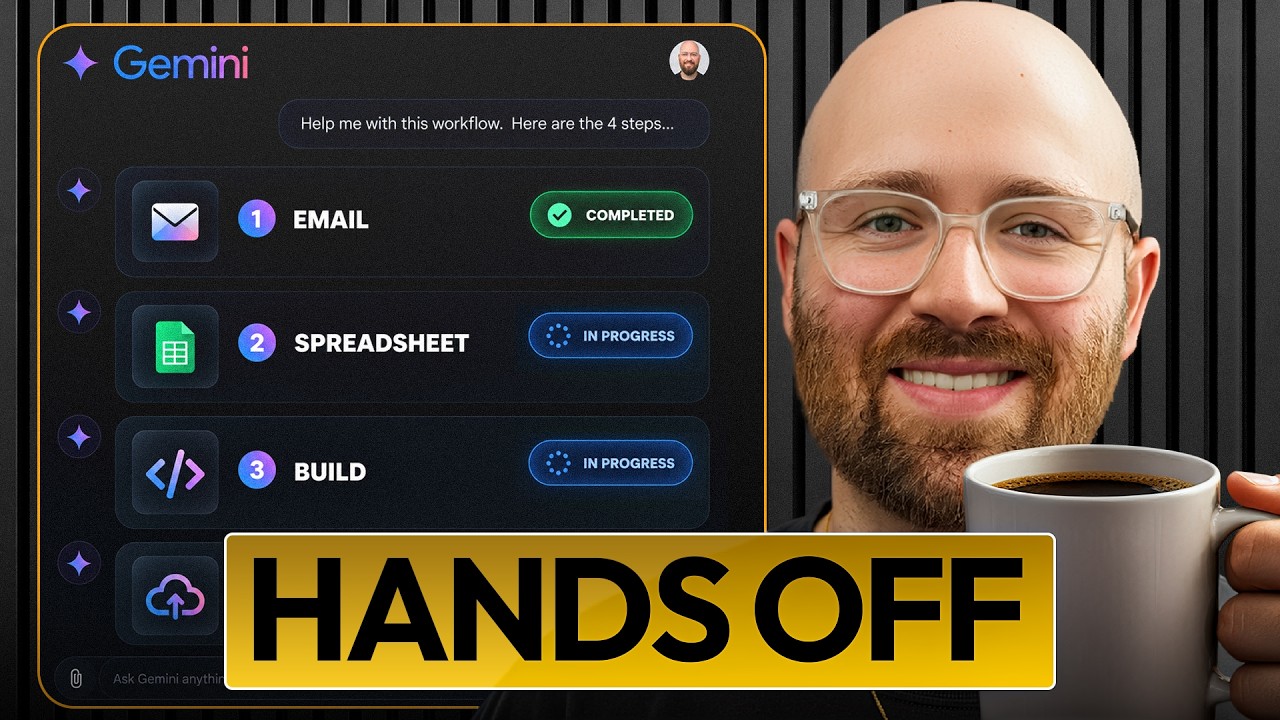
Four practical Google AI examples: email drafting, project spreadsheets, an editor handoff app and a test of its published behaviour.
 18:39
Compare seven Google programmes by goal, workload and practical AI content.
 13:48
Compare model answers, inspect disagreements and keep imported memory and pricing decisions separate.
 8:19
Prepare a provider fallback, preserve project context and inspect usage before resuming a large task.
 23:09
Compare three levels of direction on the same SaaS page and separate visual judgement from integration work.
 8:30
Use Luke’s course takeaways to test spreadsheet analysis, source-based research and a small reusable AI tool.
 16:50
Review the flight simulator and SaaS feature separately, recording failures and usage beside completed work.
 18:49
Connect research, carousel writing, image generation and PDF rendering, then review the emailed package before posting.
 7:38
Inspect an existing-codebase change through diffs, tests, source control and review before expanding to parallel agents.
 7:57
Choose an app task and model, check its AI inputs and inspect the deployed version separately from the builder preview.
 19:20
Review instruction following, realism and consistency without turning one attractive output into an overall model ranking.
 19:26
Connect video analysis, dynamic thumbnail rendering and a deliberate upload check before adding an RSS trigger.
 17:14
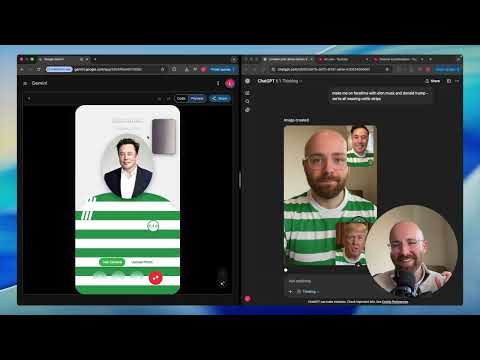
Compare five task types without turning one impressive output into a universal model ranking.
 14:55
Compare the Browserbase demo, local preview repository and API route, keeping the place where the tools run distinct from model access and cost.
 12:50
Build the recorded Gemini voice assistant, then inspect function calls, language changes and the attempted email action separately.
 14:59
Refine the app rules, connect Gemini Flash and test the roast behaviour before deploying the reviewed build.
 16:20
Follow the Rork plant-identifier build through phone testing, Gemini image analysis and the final identification example.
 20:10
Extract the transcript, generate a draft and carry explicit feedback through to a checked metadata update.
 15:51
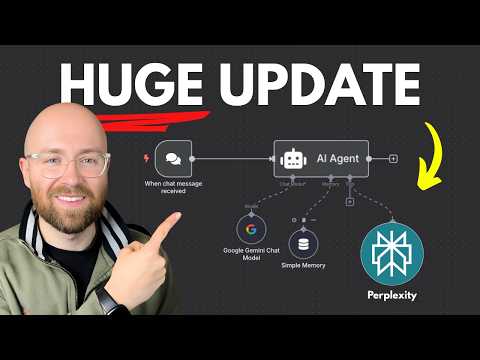
Connect Perplexity and Gemini 2.5 in n8n, map the actual chat input and inspect the research output’s references.
 25:25
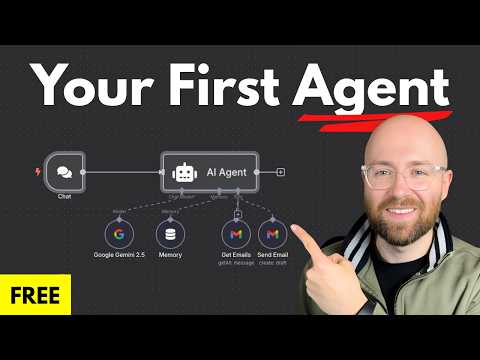
Connect a model and Gmail tools, then test reading, drafting and an explicitly approved send as separate behaviours.
 10:51
Connect Dart’s project context to the coding agent, inspect generated tasks and compare their implementation with the plan.
 51:05
Trace a document from ingestion through embedding and retrieval to the evidence used in a chat answer.