Work & productivity · Video companion
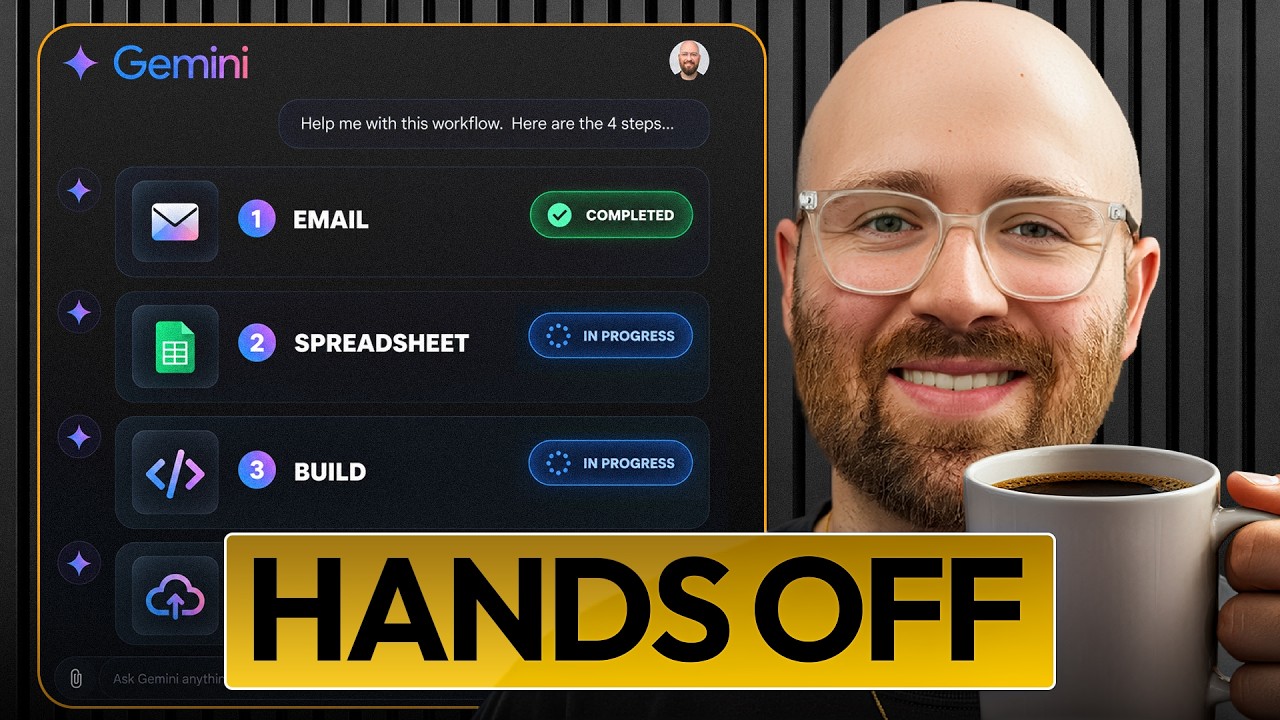
How I Use Google AI to Do My Work (4 Practical Examples)
Four practical Google AI examples: email drafting, project spreadsheets, an editor handoff app and a test of its published behaviour.

Luke ByrneAI Luke + Luke’s Tech & AI Tutorials
 Watch the original video ↗
Thanks to Coursera for sponsoring this video.
What this walkthrough covers
Four practical Google AI examples: email drafting, project spreadsheets, an editor handoff app and a test of its published behaviour.
- Set up Gemini and give it the context it needs
- Turn a long email thread into a reply without inventing commitments
- Use Gemini in Google Sheets to identify ready and blocked projects
- Build and test a practical handoff app in Google AI Studio
- Check whether a published app keeps updates across browser sessions
Follow along with the original
Use the video and its linked resources for the demonstrated setup. This companion preserves the original coverage date; current interfaces, pricing and availability may differ.
About this article and its sources
Companion assembled from the public video title, description and chapter markers retrieved 26 October 2026. It has not been checked against a full transcript or retested in the current product.