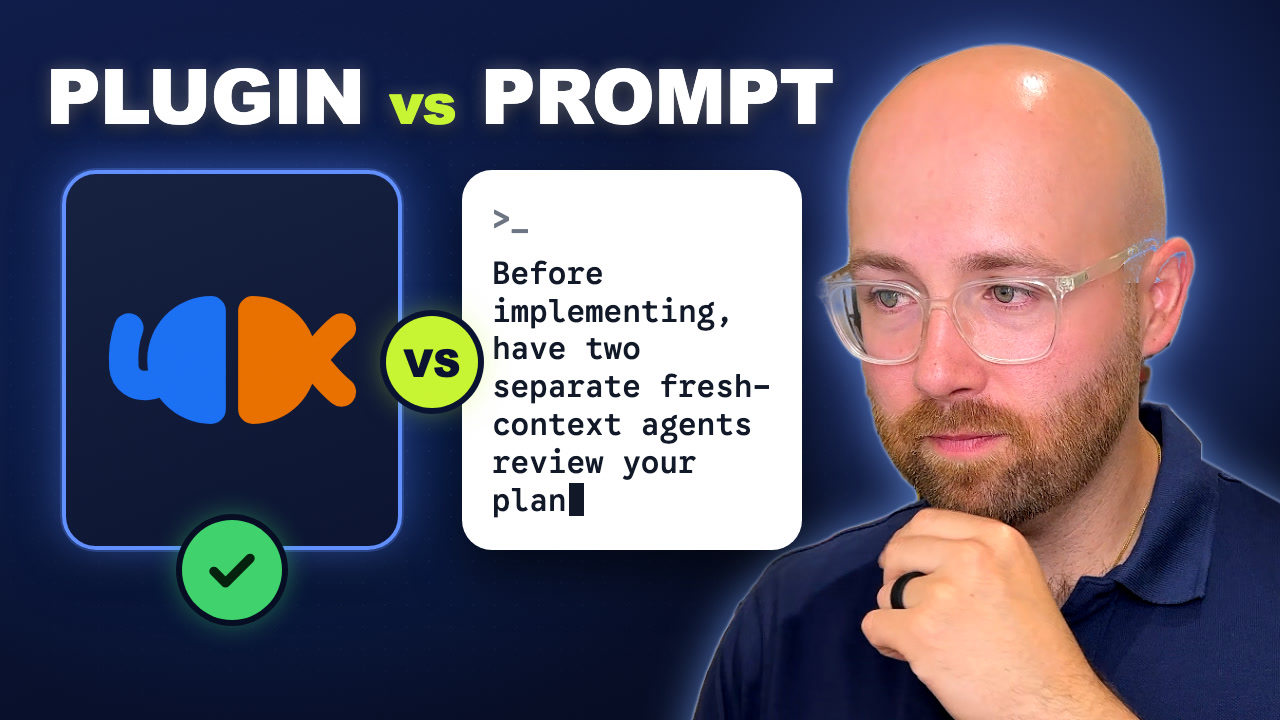
 8:56
Elephant Goldfish vs a plain fresh review: website test, briefs and setup
Compare EGM with a one-sentence fresh-review prompt on a real website task, then rerun it with the briefs, setup and test harness.
105 ways into the workflow. Pick a video to see what was tried, what to check and where to begin.
8:56Compare EGM with a one-sentence fresh-review prompt on a real website task, then rerun it with the briefs, setup and test harness.
1:37A companion to the EGM #2 Short: EGM against a one-sentence fresh-review prompt on a real website feature, and the safeguard only one of them kept.
 5:03
Follow the documented setup routes, find the Why AI install command, and assess the desktop from a USB before deciding whether to install it.
 5:48
A practical companion to the video: find the desktop controls, understand Rashin and choose a sensible way to try Ryoku.
 8:05
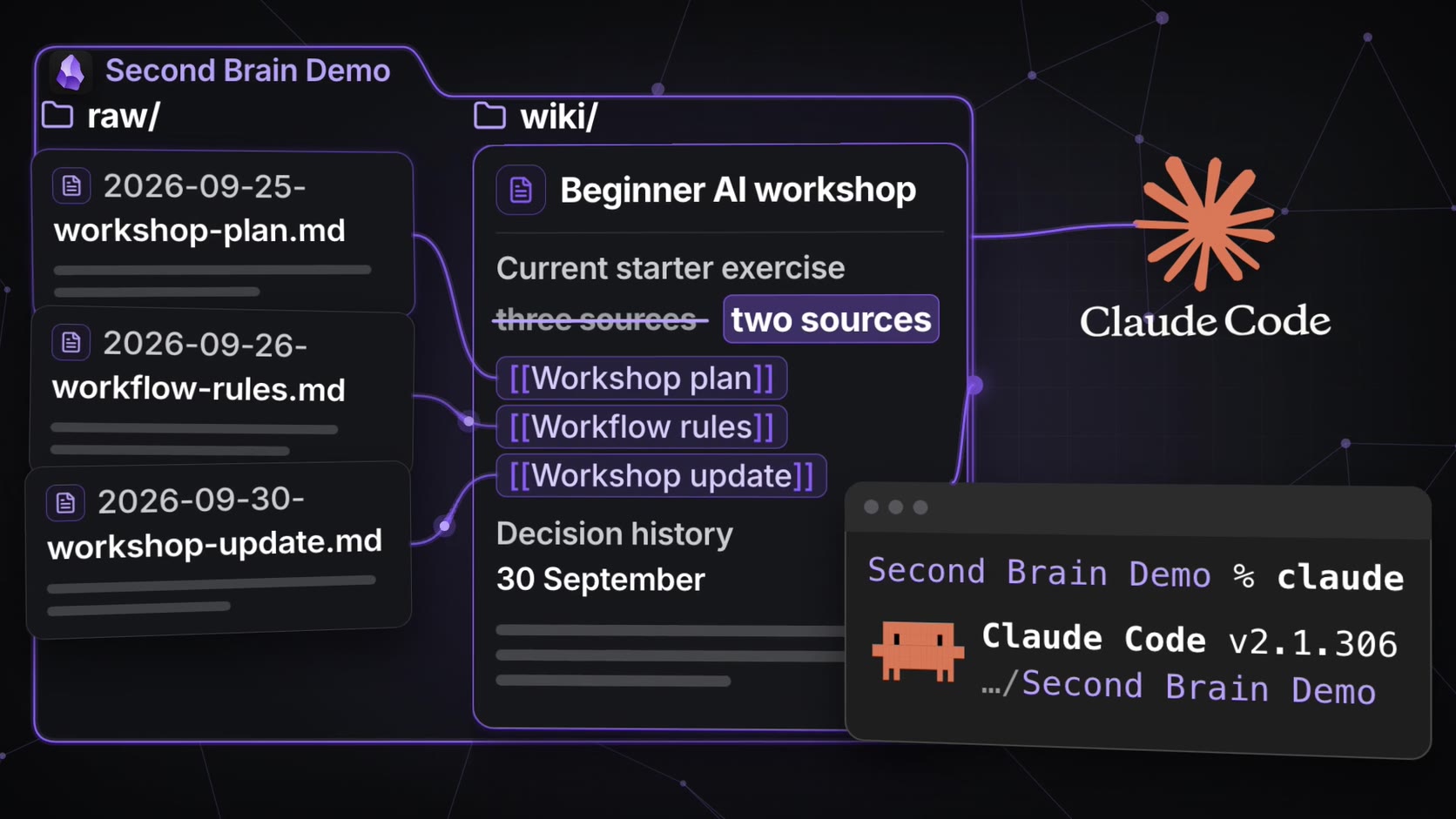
Keep your original notes untouched, have Claude Code build source-linked pages you can question, and update them when a decision changes.
 7:59
Install Google’s open-source EGM plugin, agree a signup form’s behaviour and review the written plan before implementation.
 0:42
A short introduction to Claude Code, Resolve Studio’s native assistant connection and editable Fusion graphics.
8:21Connect carefully, inspect the open project and revise named elements instead of asking for an unexplained finished clip.
 6:36
Understand Le Chonk, try the documented cloud commands, and check access before treating a model connection as a working coding setup.
 0:42
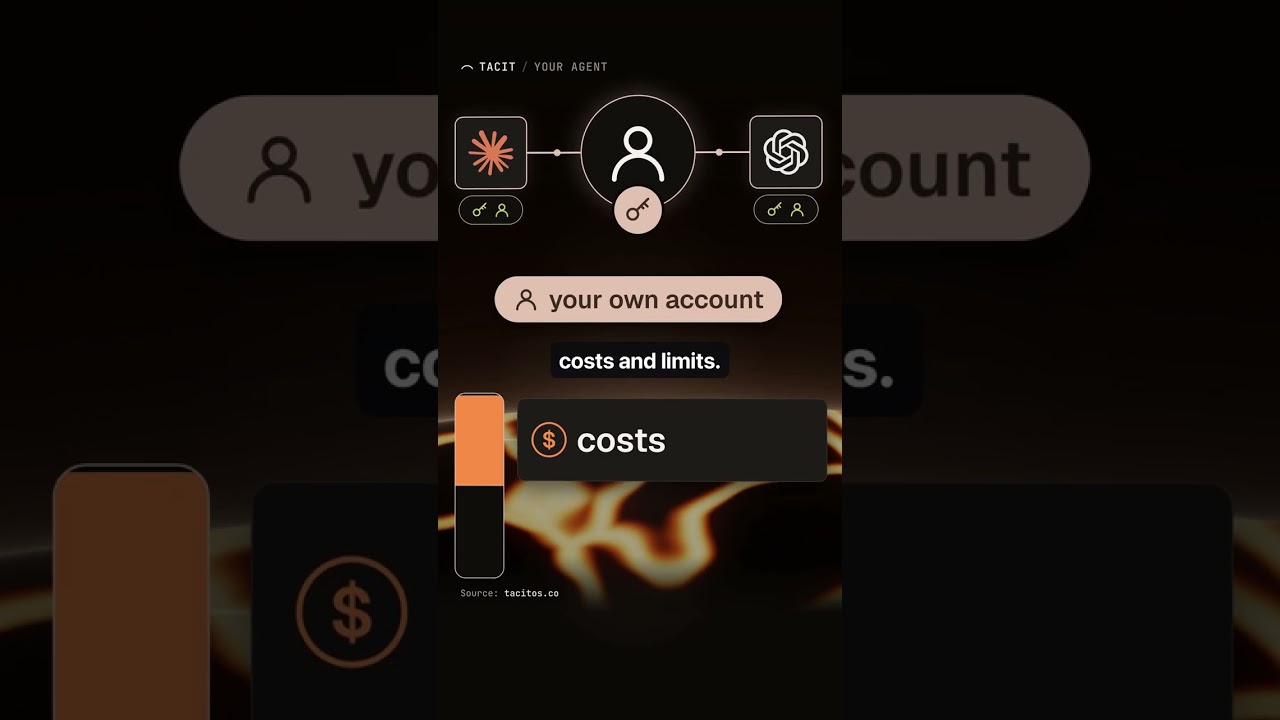
Understand Tacit’s Linux desktop, agent accounts and the official USB trial and installation options.
 8:15
Understand Tacit’s Linux desktop, agent accounts and the official USB trial and installation options.
 6:39
Understand the 4.5 RC2 preview and the documented Mac and Windows virtual-machine trial routes.
 0:44
Understand the 4.5 RC2 preview and the documented Mac and Windows virtual-machine trial routes.
 0:42
A companion to the router setup, provider keys, fallback choices and experimental Claude Code connection.
 5:24
A companion to the router setup, provider keys, fallback choices and experimental Claude Code connection.
 0:39
Bring Claude Code and Codex into one application, with local or cloud-based work.
 11:32
Build a client portal with real records, login and permissions, then test separate client views and a request workflow.
 12:16
Recreate and revise editable motion graphics, then build a Scripti launch sequence using layers and keyframes.
 0:53
Use a web-scraping API to retrieve pages for a scheduled AI research task.
 11:04
Connect Claude to Macaly Cloud, build a persistent video idea board, test its data and add publishing and sign-in.
 8:55
Set up the free starter skill, review cuts and graphics, then continue with editable Final Cut Pro sources.
 17:38
Turn a website brief into evidence-backed recommendations and an editable deck, with review before slide production.
 1:10
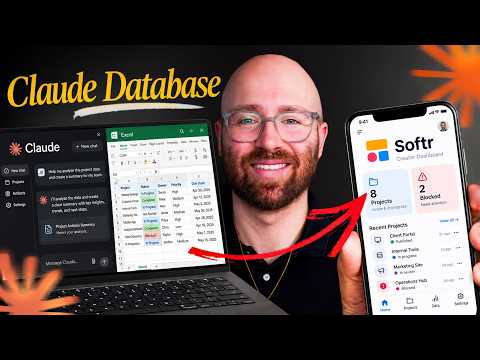
Create real records and a live dashboard, then test the blocked-project workflow and team access.
 18:33
Create real records and a live dashboard, then test the blocked-project workflow and team access.
 1:03
Use scope, design and architecture to resolve decisions before implementation.
 16:25
Use scope, design and architecture to resolve decisions before implementation.
 23:50
Use Luke’s lessons to choose a smaller job, define reliability and get evidence from real users.
 1:13
Use diagrams, annotated changes and comments to resolve decisions before code is written.
 12:16
Connect Claude to the editor, structure the scenes and check the voiceover and written guide before export.
 11:51
Use Git, staging, tests, permission boundaries, monitoring, backups and decision notes as a practical release checklist.
 1:00
Enforce tool permissions on the server and test workspace ownership separately.
 9:14
Rank relevant stories, verify their claims and test small experiments with visible failures.
 8:40
Carry the working context through a permissioned Room while keeping task selection and approval explicit.
 11:01
Install your build on a cloud phone and compare real screens with the original app.
 21:04
Keep the API token on the server and test whether each editorial section earns its label.
 8:49
Go from a public repository to a live app, then verify authentication and saved records on the deployed version.
 16:09
A worksheet for reading Luke’s four-project comparison without turning personal results into an income promise.
 7:47
Enforce tool permissions on the server and test workspace ownership separately.
 11:18
Compare an ungrounded idea list with a source-backed one, then test a small implementation of the selected idea.
 13:38
Give the agent a specific site brief and use browser feedback to check the generated media and working interface.
 10:10
Use Luke’s app-graveyard lessons to define the user, delivery and evidence before adding another project.
 14:42
Use the original repository and master prompt, check the answers and only then test the assigned phone number.
 12:21
Keep the inputs and checks visible when comparing a redesign, bug repair and new feature.
 41:14
The Day 19 recording, preserved with its original title and source links; a detailed written workflow needs the recording or a usable transcript.
 65:04
Known session context and a watch-along checklist for the recorded cleanup work.
 73:13
The original comparison stream, with a viewing worksheet and no invented model verdict.
 6:35
Separate local and cloud execution, test a small job and keep the recorded model-switching quirk visible.
 15:31
Connect the data tools, run a small test and check coverage and cost before expanding the workflow.
 9:38
Compare a beginner path, Claude Code practice and deeper agent concepts using the video’s three selections.
 12:24
Separate one prompt, a goal with a completion test and a repeated timed check.
 10:22
Keep the key private, test one data response and inspect the evidence behind the proposed topics and draft post.
 14:57
Generate a custom page, move its code into GoHighLevel and check that a form creates the intended contact.
 8:07
Use a master prompt to plan the voice infrastructure, then review keys, interface, guardrails and conversation behaviour.
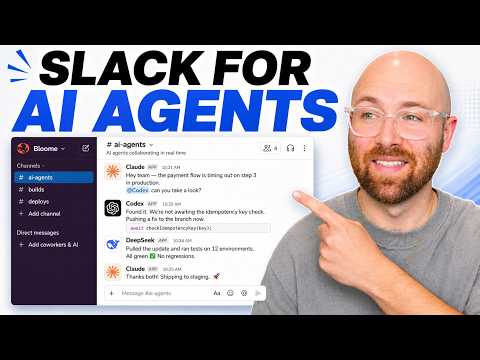 14:31
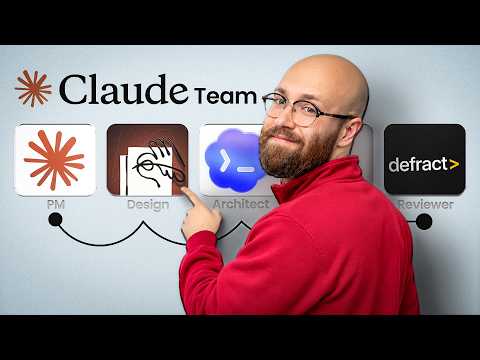
Create a team with explicit roles, hand it a real repository and inspect the code review and landing-page result before accepting the work.
 11:05
Set up egolite, inspect the imported login context and compare the actual browser tasks rather than expanding one timing result into a universal speed claim.
 14:52
Create a local LLM wiki, ingest a small source collection and verify answers against the original material.
 24:21
Build the website and voice agent, connect booking data and inspect the phone, calendar and guardrail behaviour before considering a client handoff.
 10:12
Use the documented Decodo fallback for public-source extraction, keep the API token out of prompts and inspect the Markdown returned by a small test.
 14:24
Connect a channel knowledge base to a voice layer, then test grounding, interruptions and the finished answers.
 9:40
Bring sessions, files and tasks into one project workspace, then inspect diffs, commits and diagrams before accepting the work.
 20:17
Record a meeting, verify its synced context and build a reviewed summary routine.
 13:29
Build linked notes from transcripts and web pages, then check answers against their retained sources.
 22:49
Map domains, hosting, authentication, email and payments, then verify how the connections work together.
 12:26
Compare prompt length and model choice separately using the same game and landing-page jobs.
 14:50
Connect the retained project, generate one song and inspect its storyboard and assembled video before repeating the workflow.
 24:42
Use the same code and task criteria to review a landing page, bug findings and a competitor-search repair.
 13:14
Build a natural-language test, inspect its browser run and then configure parallel or recurring checks.
 18:12
Follow the MCPize idea, build and publish sequence, then inspect the deployed server from an agent client.
 15:14
Use a real landing-page redesign and a one-shot flight simulator to examine how the tools handle vague briefs and interface decisions.
 6:07
Distinguish built-in controls from Luke’s custom /go skill, then review an end-to-end change.
 6:18
Inspect the Desktop update’s folders, two-agent test, notifications and live previews alongside the comparison with Luke’s custom setup.
 6:45
Organise real Claude Code sessions, preview their outputs and review suggested tasks in a local command centre.
 8:15
Export a Lovable project through GitHub or the recorded browser-download route, then open and preview the local files in Claude Code.
 8:58
Compare Haiku, Sonnet and Opus routes on the same task, tracking total cost, waiting time and useful output.
 12:56
Generate a video asset, implement a scroll effect and investigate jitter before accepting the site.
 5:17
Start an Ultraplan web session, select its repository, review the plan with comments and bring the work back to the local environment.
 12:33
Follow the installation and OAuth sequence, then check a branded presentation and a source-linked Gmail research task.
 10:42
Use the master-prompt route for design and backend work, then inspect screens, errors and production data assumptions.
 16:51
Compare mobile design, landing-page output and a Supabase-authenticated backend while keeping setup, skills and model choice visible.
 7:40
Read Luke’s April account as a dated report, separating claims about source files, hidden features and unrelated supply-chain risk.
 10:38
Use the historical capability discussion to audit instructions, context and settings without assuming internal features are available.
 8:19
Prepare a provider fallback, preserve project context and inspect usage before resuming a large task.
 12:01
Use Luke’s March comparison to map interface convenience, terminal access and project requirements before changing your routine.
 30:00
Review seven everyday workflows with distinct inputs, permissions and evidence of completion.
 100:24
Work through installation, project instructions, GitHub, MCP connections and skills before coordinating agent teams.
 15:10
Run a small extraction in the remote browser, inspect the CSV and save the checked method as a skill or workflow.
 5:00
Compare dictation accuracy and cleanup across terminal voice, ChatGPT and WhisperFlow using the same spoken task.
 4:44
Use the local dashboard to identify active work, inspect history and send a task to the correct terminal.
 5:12
Ask a side question without confusing the temporary answer with a change to the main task.
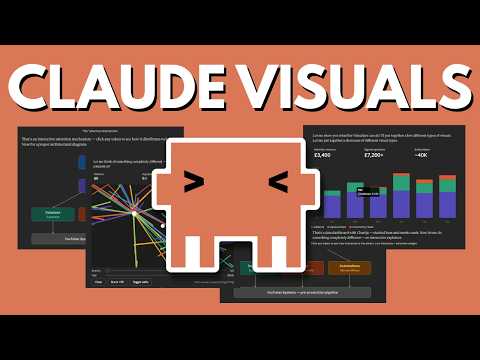 6:30
Use real application code to create a user-flow diagram, extend it with charts and interactive explanations, and inspect the saved output.
 7:27
Choose a session loop, desktop schedule or GitHub Actions by the job’s persistence and execution requirements.
 12:17
Use a real landing-page redesign and a one-shot flight simulator to examine how the tools handle vague briefs and interface decisions.
 5:36
Use the Pixel Agents extension to organise multiple sessions while checking the underlying work directly.
 167:39
Follow the to-do app lesson through local development, version control, testing, voice input and a multi-user cloud deployment.
 5:37
Connect a phone to the intended session and distinguish remote control from a separate cloud session.
 5:56
Use the February decision framework to compare task difficulty, output quality and the revisions needed to finish.
 23:09
Compare three levels of direction on the same SaaS page and separate visual judgement from integration work.
 13:26
Use the Launchpad-generated brief, connect Insforge and inspect the link-in-bio application before checking its deployed version.
 16:50
Review the flight simulator and SaaS feature separately, recording failures and usage beside completed work.
 13:04
Set up the project, save the animation instructions and inspect the rendered video against the product brief.
 16:04
Keep the failed build, successful redesign and historical usage comparison visible in the same review.
 5:48
Use Luke’s argument about manual node configuration, code-first work and MCP to assess one existing automation rather than assuming every workflow should move.
 7:26
Describe the sponsor fit, inspect the returned contacts and review outreach separately from search speed.
 10:14
Follow the sixteen failing tests, Claude’s repair pass and the rerun with six passing results, without collapsing that into a clean test suite.
 10:09
Use the February account of failed workflows to clarify execution, deterministic steps and the points that need human judgement.