Build apps · Video companion
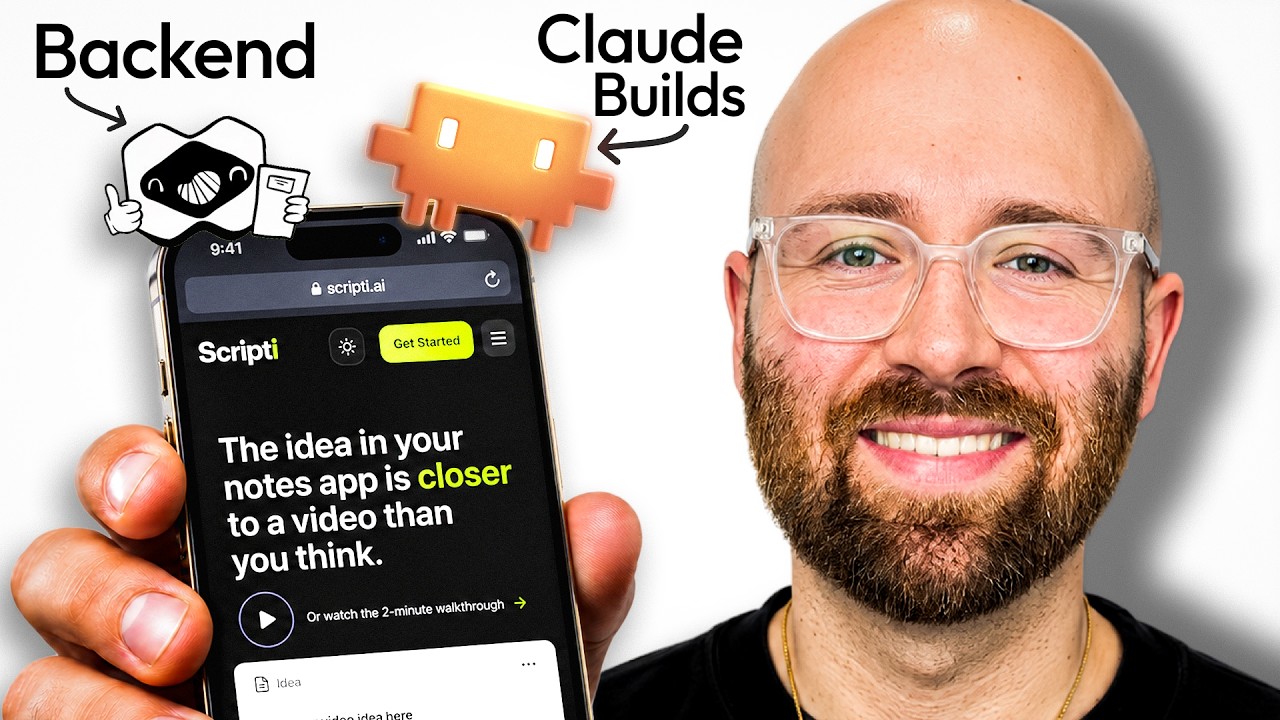
Claude Builds It. Macaly Cloud Runs It. (Full Setup)
Connect Claude to Macaly Cloud, build a persistent video idea board, test its data and add publishing and sign-in.

Luke ByrneAI Luke + Luke’s Tech & AI Tutorials
 Watch the original video ↗
Thanks to Macaly for sponsoring this video.
What this walkthrough covers
Connect Claude to Macaly Cloud, build a persistent video idea board, test its data and add publishing and sign-in.
- How to add the Macaly Cloud MCP connector to Claude Code and the Claude app, then set its tools to always allow
- How to build a video idea board from one prompt with records saved in a real database, not browser storage
- How to check the records survive a page refresh, an edit and a new column added to the app
- What's inside the Macaly dashboard: preview, code, database, analytics, secrets and a testing-mode copy of the database
- How to publish to a live URL from inside Claude and test it in an incognito window
- How to change the app's domain and add email and password sign-in so only logged-in users can see or edit ideas
- The three separate things you pay for: your Claude subscription, a Macaly Cloud plan and a domain you own
Follow along with the original
Use the video and its linked resources for the demonstrated setup. This companion preserves the original coverage date; current interfaces, pricing and availability may differ.
About this article and its sources
Companion assembled from the public video title, description and chapter markers retrieved 26 October 2026. It has not been checked against a full transcript or retested in the current product.