Editable AI motion graphics with Higgsfield and After Effects
Ask for native layers and keyframes, then verify that the project can actually be changed.

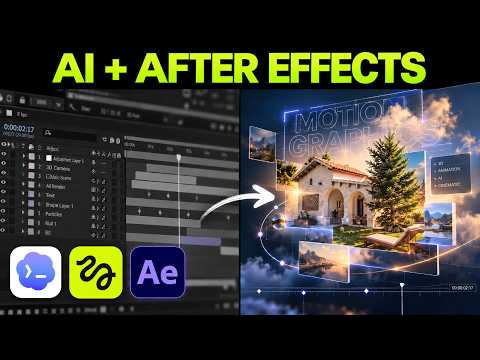 Watch the original video ↗
Connect the native application
Thanks to Higgsfield for sponsoring this video.
The recording uses the Higgsfield connection in ChatGPT and /use-after-effects with After Effects installed. Follow the linked setup for the exact integration rather than treating a rendered video as an editable project.
- Install and open After Effects, then complete the documented Higgsfield connection shown at 1:35.
- Request a small native project before attempting a launch film.
- Save the project and confirm it opens in After Effects.
Specify the editing requirements
Luke tests YouTube graphics, a Scripti launch film and a logo reveal. The editable structure is part of the brief.
- Ask for text, shapes and logo letters on separate named layers where appropriate.
- Open the generated project and change a word, resize an element and alter layer order.
- Inspect the keyframes and timing instead of judging only the preview export.
Revise a specific defect
The logo alignment needs another instruction in the demonstration. A narrow correction is easier to check than asking for an entirely new version.
- Identify the layer, alignment or timing that is wrong.
- Request that correction while preserving the rest of the composition.
- Reopen the saved project and render a short preview to check both editability and appearance.
The takeaway
This video demonstrates editable motion-design projects. It does not demonstrate character rigging or Lottie export.
About this article and its sources
Written follow-along guide prepared 31 October 2026 from this exact published video’s description and chapter sequence. The checklists are editorial adaptations, not verbatim transcript quotations. Demonstrated results are attributed to the video; the full final video was not independently transcribed or watched for this article, and the product was not retested. For installation commands, later interface changes and current offers, use the original resources linked here.