Softr MCP: build a project tracker, permissions and an alert
Create real records and a live dashboard, then test the blocked-project workflow and team access.

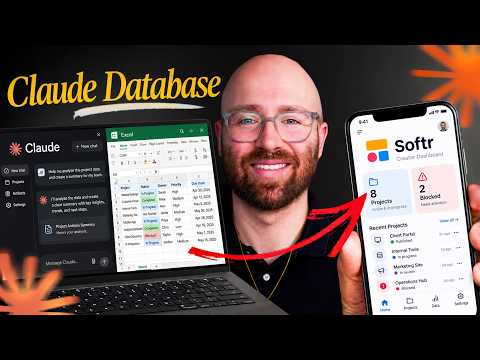 Watch the original video ↗
Connect Softr and create the data
Thanks to Softr for sponsoring this video.
Luke builds an agency project tracker from Claude Code. The eight example client projects are fictional records, not real client data.
- Use the Softr MCP documentation linked through the original video to connect and log in. Restart the client so its tools appear.
- Describe the project schema and create the database before the dashboard.
- Add the eight example projects and inspect the fields and values in Softr.
Build a dashboard over the records
The Vibe coding block must read the live database. A convincing dashboard built from hardcoded sample data would not pass this check.
- Create the read-only dashboard against the saved records.
- Add app users and restrict the dashboard to logged-in users.
- Change a record and confirm the dashboard reflects it. Check that users see only the access intended for their role.
Test alerts and App MCP
The demonstrated automation responds when a project is both Blocked and High priority, logs a follow-up and sends an email through Gmail.
- Configure the two conditions and test with a demo record and your own destination.
- Verify the follow-up and actual email, rather than accepting the workflow diagram as proof.
- Publish, invite a test team member and update a deadline from a fresh Claude chat.
- Enable App MCP for the intended users, then test reads and writes under each user’s permissions.
The takeaway
Check database changes, dashboard updates, alerts and user permissions separately before introducing real team work.
About this article and its sources
Written follow-along guide prepared 31 October 2026 from this exact published video’s description and chapter sequence. The checklists are editorial adaptations, not verbatim transcript quotations. Demonstrated results are attributed to the video; the full final video was not independently transcribed or watched for this article, and the product was not retested. For installation commands, later interface changes and current offers, use the original resources linked here.