Deploy LinkDrop with livemy.app and test three accounts
Go from a public repository to a live app, then verify authentication and saved records on the deployed version.

 Watch the original video ↗
Inspect the repository before deployment
Thanks to livemy.app for sponsoring this video.
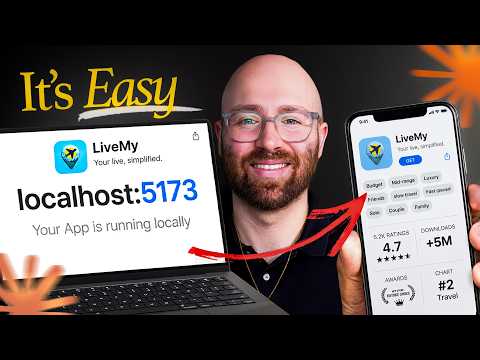
The recording starts with LinkDrop working on localhost. Its public repository is linked with the video so the demonstrated app can be inspected.
- Confirm the intended repository and working version.
- Follow the GitHub deployment path shown at 1:17.
- Check the detected stack and deployment result rather than assuming localhost behaviour carries over.
- If a secure-connection error appears, diagnose it through the hosting configuration; do not bypass a browser security warning.
Connect the coding agent and deploy the upgraded build
The later sequence connects livemy.app through MCP and adds a real database and authentication. Those additions need a new deployment and new tests.
- Use the demonstrated MCP setup with the coding client you use.
- Define the saved profile data and account access requirements.
- Deploy the upgraded build and inspect the deployment report or logs.
- Open the public URL independently of the local development session.
Test separate users and persistence
Luke tests three accounts using throwaway data. A single logged-in preview cannot establish isolation.
- Create three test accounts and give each distinct profile values.
- Save, sign out and sign back in to check persistence.
- Confirm one account cannot inspect or change another account’s profile.
- Review the available logs, backups and domain controls, then record anything still unresolved before release.
The takeaway
The roughly two-minute edited deployment sequence is specific to this run. A public URL still needs authentication, data and recovery checks.
About this article and its sources
Written companion prepared 31 October 2026 from this exact published video description and, where present, its chapter sequence. The checklists and sample briefs are editorial adaptations, not quotations from a reviewed transcript. Reported results belong to the original video; the full final cut was not independently transcribed or watched for this article, and the product was not retested. Use the retained original resources for installation details, later interface changes and current offer terms.