3D & video · Video companion
I Turned One Image Into a Game Character with Tripo
A short walkthrough of turning one sketch into a textured, rigged game character.

Luke ByrneAI Luke + Luke’s Tech & AI Tutorials
 Watch the original video ↗
Thanks to Tripo for sponsoring this video.
What this walkthrough covers
A short walkthrough of turning one sketch into a textured, rigged game character.
- Start with a clear image and inspect the generated mesh from every angle.
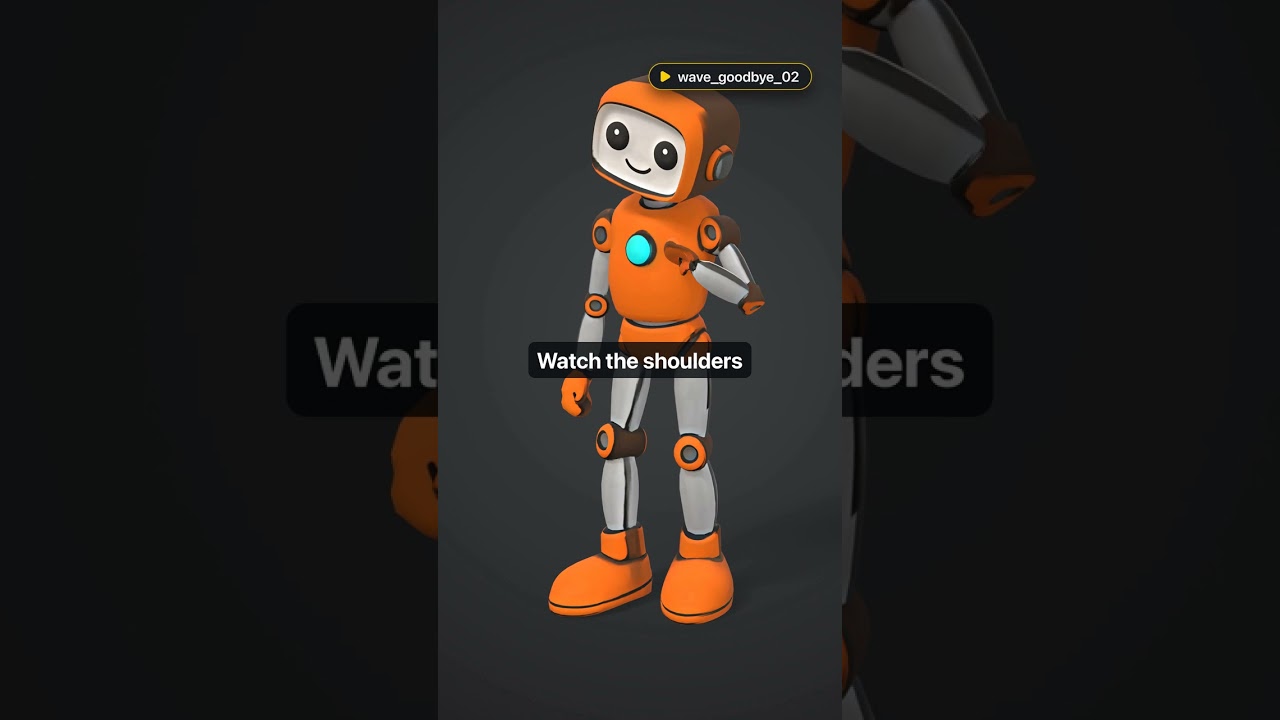
- Add texture, a Humanoid rig and the walk and wave_goodbye_02 presets.
- Include the skeleton and both animations in your FBX export.
- Test the character in Blender and Unity, then enter the invite code under Redeem Code.
Follow along with the original
Use the video and its linked resources for the demonstrated setup. This companion preserves the original coverage date; current interfaces, pricing and availability may differ.
About this article and its sources
Companion assembled from the public video title, description and chapter markers retrieved 26 October 2026. It has not been checked against a full transcript or retested in the current product.