Images & design · Video companion
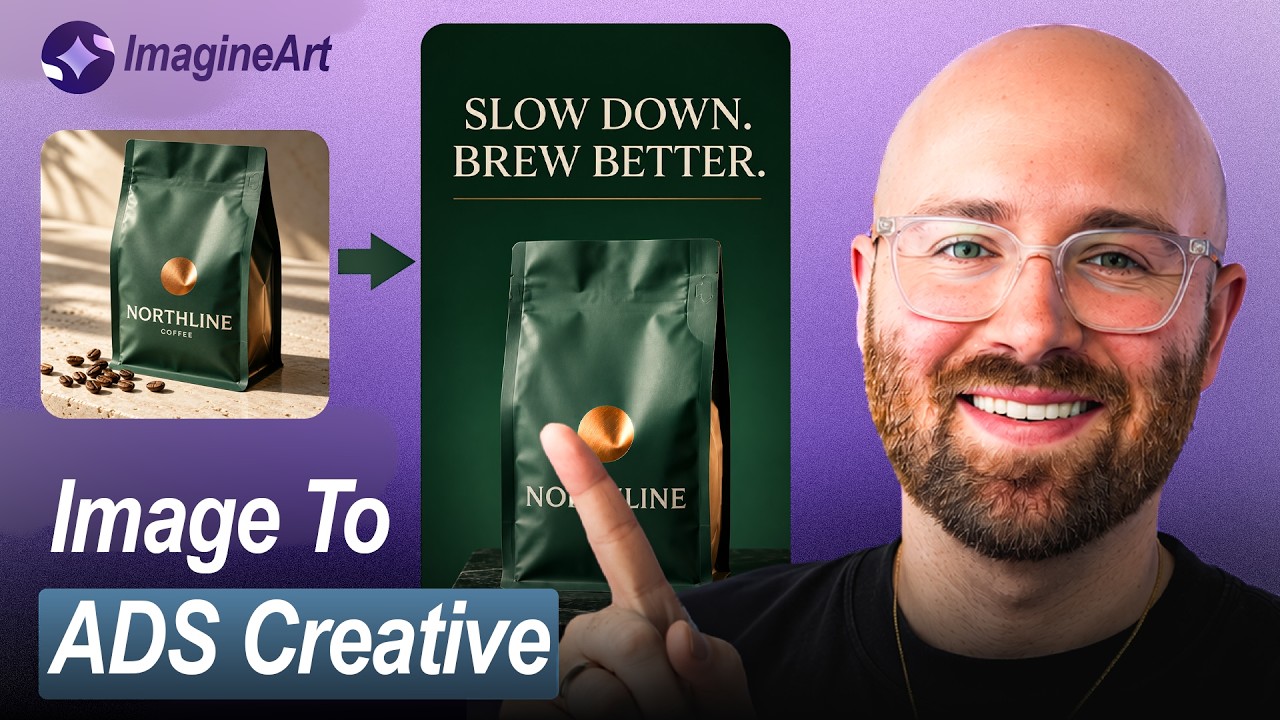
I Turned One Product Photo into 3 AI Ads (ImagineArt)
Turn one product photo into multiple ad variations using connected image and video nodes, with a targeted branch revision.

Luke ByrneAI Luke + Luke’s Tech & AI Tutorials
 Watch the original video ↗
Thanks to ImagineArt for sponsoring this video.
What this walkthrough covers
Turn one product photo into multiple ad variations using connected image and video nodes, with a targeted branch revision.
- Set up an ImagineArt workflow with Compose mode
- Upload a product photo and connect image and video nodes
- Write two distinct creative directions from the same source
- Generate and review still images before spending credits on video
- Make vertical videos with Seedance 2 Fast
- Change one headline and rerun only the matching workflow branch
- Check packaging, framing, readability and sound before using an ad
Follow along with the original
Use the video and its linked resources for the demonstrated setup. This companion preserves the original coverage date; current interfaces, pricing and availability may differ.
About this article and its sources
Companion assembled from the public video title, description and chapter markers retrieved 26 October 2026. It has not been checked against a full transcript or retested in the current product.